Why Soft Feedback is Killing Your Product’s UX
The "It's Fine" Problem
I was looking at a Figma file for a new dashboard. The designer had clearly put in hours. The layout was clean, the colors were on-brand, and the typography was legible. I asked a product manager for their thoughts. Their feedback? "Looks good. It's fine."
"Fine." That's the kiss of death for UX. It’s the polite way of saying "I don't have anything constructive to add, but I don't want to sound like I’m not paying attention." It’s also a feedback black hole. What does "fine" mean? Does it mean the primary call-to-action is clear? Does it mean the user flow is intuitive? Does it mean the data visualizations are understandable? No one knows. And because no one knows, nothing changes.
This isn't an isolated incident. I see it everywhere. Designers get feedback like:
- "I like the overall direction."
- "Seems okay."
- "No major issues from my end."
- "It's usable."
These phrases are UX kryptonite. They are the digital equivalent of a shrug. They offer no actionable insights, no specific pain points, and no clear path for improvement. They allow mediocrity to fester.
The Illusion of Progress
Soft feedback creates the illusion of progress without actual improvement. When a product manager or stakeholder says "it's fine," the designer might feel a sense of relief. The pressure is off. They might move on to the next feature, believing the current one is solid. But it’s not solid. It’s just not actively disliked enough to warrant a strong opinion.
Consider the alternative: specific, critical feedback. Imagine if that PM had said, "I clicked on the 'Export' button three times before I realized it wasn't working. The icon is too small, and there’s no text label." Or, "The graph showing Q3 performance is confusing. I can't tell if the red line represents revenue or profit." That's feedback you can act on. That's feedback that leads to a better user experience.
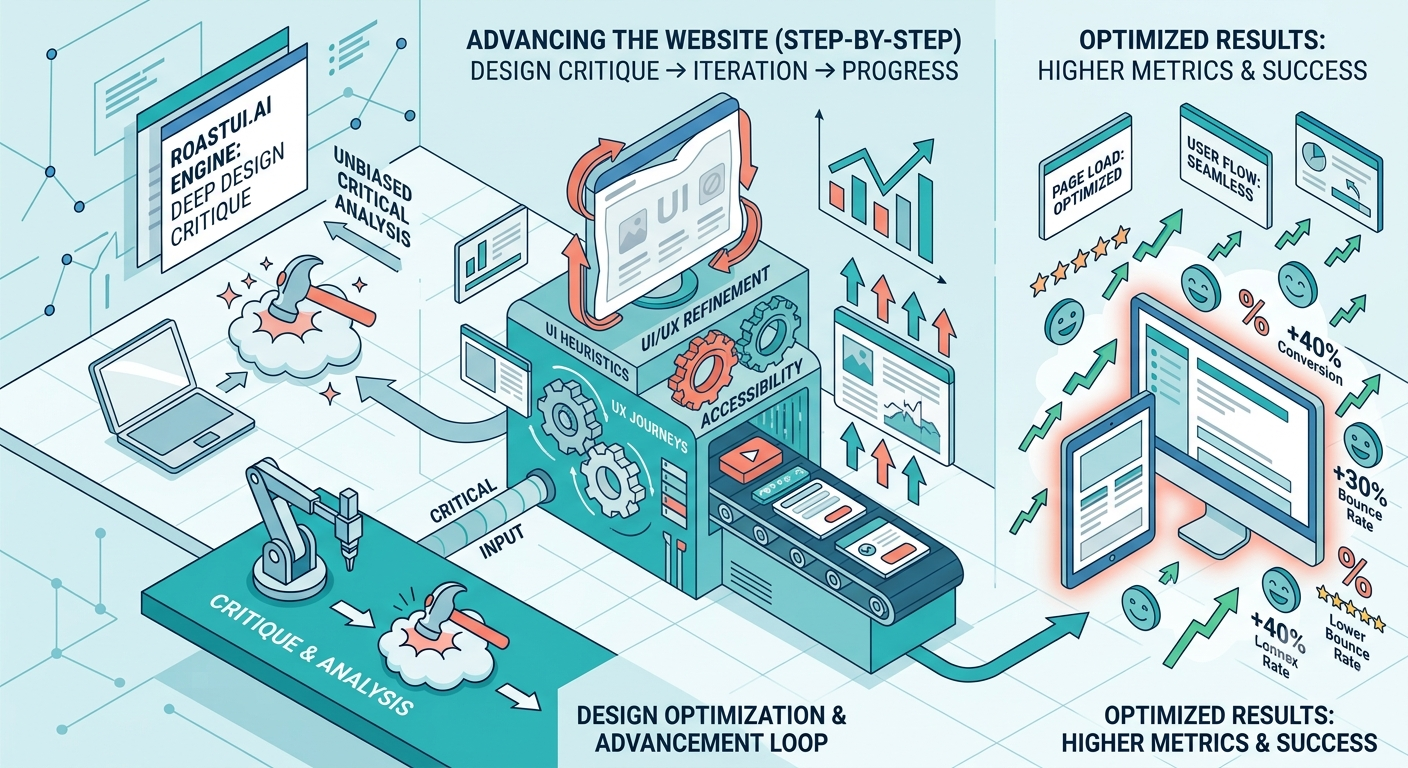
Tools like Roast's Design Review are built to surface these issues. They allow for annotation directly on the design, pinpointing specific elements. Without that level of detail, you get the "it's fine" fog.
Why Do We Tolerate Soft Feedback?
There are a few reasons why soft feedback is so prevalent:
1. Fear of Conflict
Most people dislike confrontation. Providing critical feedback, even constructive criticism, can feel like an attack. It’s easier to say "it's fine" than to risk offending the designer or causing a debate. This is especially true in cross-functional teams where designers might not feel they have the authority to critique a PM's area of expertise, and vice-versa.
2. Lack of UX Literacy
Not everyone understands UX principles. A stakeholder might be able to tell if something *feels* wrong, but they can’t articulate *why*. They might see a confusing button, but they don't know the heuristic violation at play (e.g., "Visibility of system status" or "Match between system and the real world"). Without this literacy, their feedback defaults to vague impressions.
3. Time Constraints
Providing detailed, actionable feedback takes time. It requires careful consideration, testing assumptions, and articulating problems clearly. In fast-paced environments, people often skim designs, provide a quick gut reaction, and move on. "It's fine" is the ultimate time-saver for someone who doesn't want to invest more than 30 seconds.
4. The "AI" Problem
This is where it gets interesting. With the rise of AI tools, there's a growing concern about generic output. AI can generate UI elements, copy, and even entire layouts at speed. But without human oversight and critical evaluation, this output can be bland, derivative, or subtly flawed. If the humans reviewing the AI-generated output are also giving soft feedback, the result is a product built on a foundation of "fine." It’s a feedback loop of mediocrity. A tool like the Roast Slop Detector can help identify that generic, AI-generated feel, but it can't fix the human element of feedback.
How to Cultivate Better Feedback
We need to move beyond "it's fine." This requires a conscious effort from both designers and those giving feedback.
For Designers: Prompt for Specificity
Don't accept "fine." Push back, politely but firmly. Ask clarifying questions:
- "When you say 'good,' what specifically works well for you?"
- "What are your concerns about the checkout flow?"
- "Is there anything that felt confusing or took longer than expected?"
- "On a scale of 1-5, how confident are you that a new user could complete task X without help? Why that score?"
If you're using a design system, ask if components are being used correctly according to the guidelines. If you're testing a new interaction, ask about the discoverability and learnability.
For Stakeholders and Reviewers: Be Specific
Shift your mindset. Your goal isn't to be nice; it's to make the product *better*. Think about the user's journey:
- Identify Pain Points: Where did you hesitate? Where did you get stuck? What took you by surprise?
- Test Assumptions: Does this button do what I *think* it does? Is the information presented in a logical order?
- Use Clear Language: Instead of "it's okay," say "The confirmation message is unclear because it doesn't state the order number."
- Quantify When Possible: "I had to scroll down three times to find the pricing information."
If you're unsure how to articulate a UX issue, use tools that help. Roast's Predictive Heatmap can show you where users are likely to look, highlighting potential areas of low visibility. The Accessibility Audit can flag issues that impact a significant portion of users.
The Cost of "Fine"
A product that is merely "fine" is a product that is slowly losing. It’s not delighting users. It’s not differentiating itself from competitors. It’s not converting as well as it could. "Fine" is the enemy of great.
The next time you’re reviewing a design, resist the urge to utter the word "fine." Dig deeper. Ask the hard questions. Provide feedback that is specific, actionable, and focused on the user. Only then can we move from a landscape of "fine" products to ones that truly excel.
Curious where your own site lands?
Get a free AI review of your site →